修改Sphinx主题
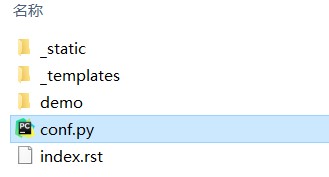
- 打开 source 文件夹中的conf.py,并找到主题配置行
html_theme = ‘alabaster’。

默认主题的样式如下:

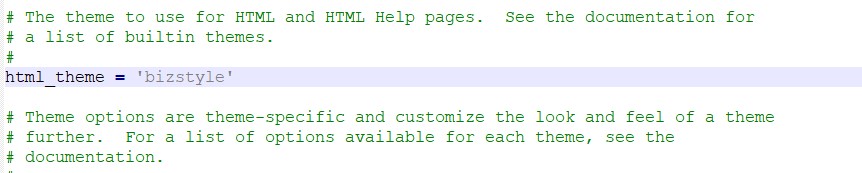
- 从内置主题中挑选需要的主题,如 bizstyle,将其改为
html_theme = ‘bizstyle’,并保存文件。
- 重新运行发布命令后,则可得到新主题的样式的帮助文档。

▲注:
- 更多的Sphinx内置主题样式可见:
http://www.sphinx-doc.org/en/master/theming.html#using-a-theme。
- 还可以安装其他主题,或者按照需要制作自己的主题。